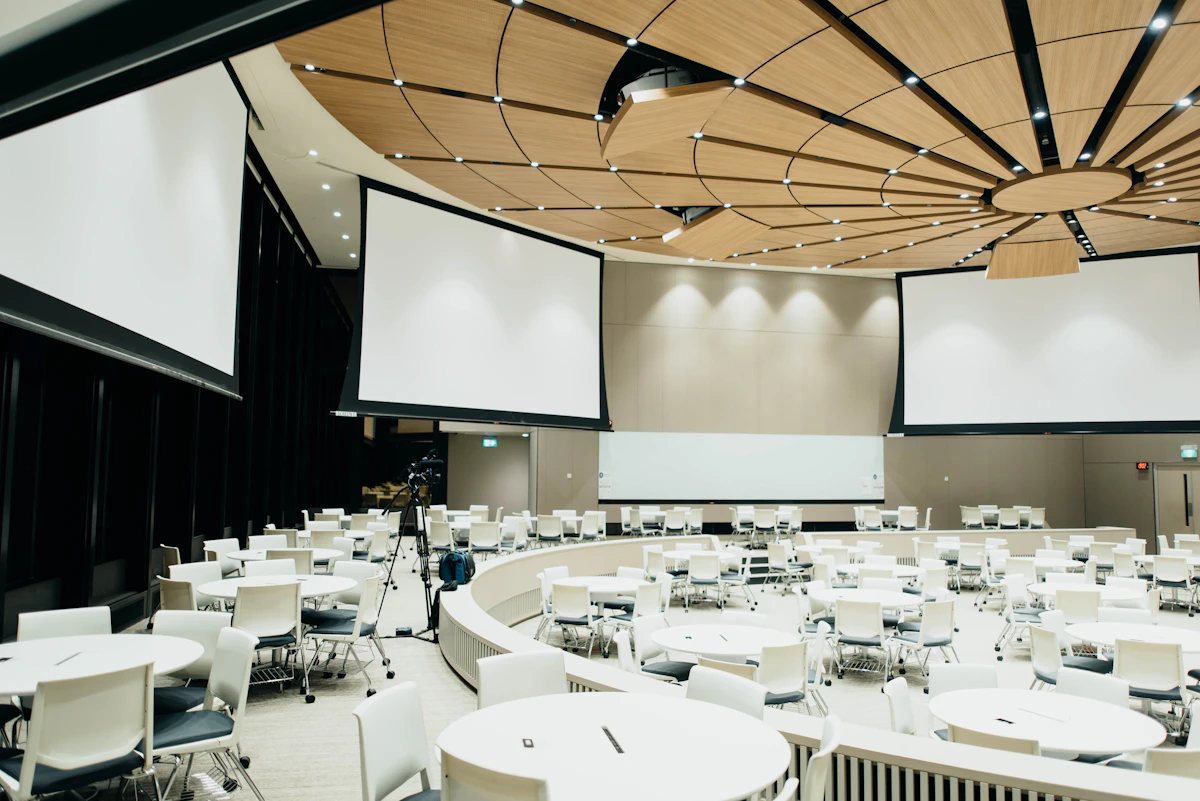
Physical Marketing in a Crowded Room
Events, trade shows, and business conferences are some of the most capital-intensive marketing initiatives a company can undertake. Between travel costs, booth rental fees, sponsorship tiers, and staff time, the expenses add up quickly.
Yet, many companies treat their physical marketing collateral—the flyers they hand out, the brochures on their tables, and the roll-up banners behind them—as an afterthought.
In a massive exhibition hall filled with hundreds of competitors, your physical assets are your first line of defense. If your booth design and print materials are low-quality, generic, or cluttered, attendees will walk right past you.
Designing these elements from scratch requires professional resources. However, you can reuse the visual elements, copy, and branding from your live website to generate professional prints. By pasting your URL into WebsiteToPrint you can instantly build print-ready materials. Let's explore the strategic principles of event print design.
The Hierarchy of Event Print Collateral
To build a high-converting event booth, you need a coordinated ecosystem of print materials. Each asset serves a different stage of the visitor's journey:
- The Roll-Up Banner (The Attention Grabber): Visible from 10 meters away, its only goal is to make people stop and walk toward your booth.
- The Tri-Fold Brochure (The Educator): Given to visitors who stop to talk. It explains your product categories, features, and specs in detail.
- The One-Pager Flyer (The Takeaway): A clean, simple sheet given to casual passersby. It acts as an offline elevator pitch, prompting them to take action later.
You can create this complete suite of documents using our online document creator, completely aligned with your existing web branding.
1. Roll-Up Banners: Design for the Top Third
When designing roll-up banners, remember that the lower two-thirds of the banner are frequently blocked by tables, chairs, display units, or other attendees standing in your booth.
- Place your logo, main value proposition, and primary graphic in the top 80cm of the banner.
- Use bold, high-contrast colors (e.g. dark blue backgrounds with white text).
- Keep text to a minimum: a single bold headline and 3 short bullet points.
2. One-Pager Flyers: Focus on the Primary Offer
A common event mistake is handing out a flyer that tries to explain everything your company does. This results in information overload.
- Focus on a single event-specific offer (e.g., "Book a free audit during the conference" or "Scan to get 30 days of free trial").
- Make the CTA prominent. Instead of printing a long website link, generate a large QR code that leads directly to your wizard setup or registration form.
3. Tri-Fold Brochures: Organize with Clean Columns
Brochures are meant to be read up close, meaning they can hold more text than banners or flyers. However, they still require strict structure:
- Use the outer folds for your cover and contact info.
- Use the inside panels to present a logical progression: Problem, Solution, Features, Specs, and Client Testimonials.
- Maintain at least a 5mm safety margin from all fold lines so text doesn't get caught in the paper creases.
Technical Rules for Trade Show Prints
Large format prints like banners demand strict attention to image resolution.
- Avoid low-resolution web exports: A small JPEG downloaded from your site will look blurry and pixelated when printed on a 2-meter tall banner. Ensure all logos and icons are in vector formats.
- Set the correct DPI: While standard flyers require 300 DPI, large banners can be printed at 150 DPI due to the viewing distance.
- Use CMYK Color Space: To avoid sudden color shifting between what you see on your screen and what the printer outputs, convert all files to CMYK.
Automating Your Event Collateral Setup
Preparing files for a print shop can take days of back-and-forth designer emails. If your event is approaching quickly, you can bypass the manual workflow.
By entering your website link on WebsiteToPrint, our engine analyzes your branding, color palette, fonts, and copywriting, formatting them into high-resolution, print-ready PDFs. You get your roll-up banners, brochures, and sales one-pagers in seconds, allowing you to focus on your event strategy instead of layout adjustments.